Image Translation
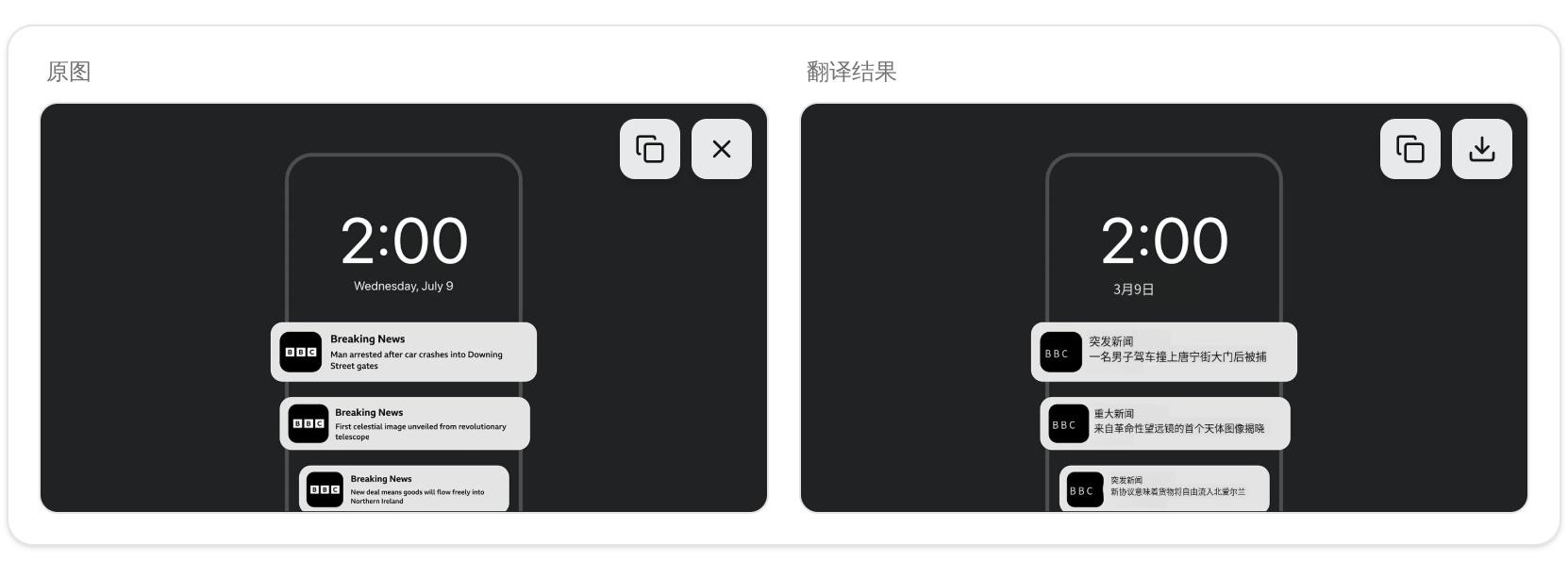
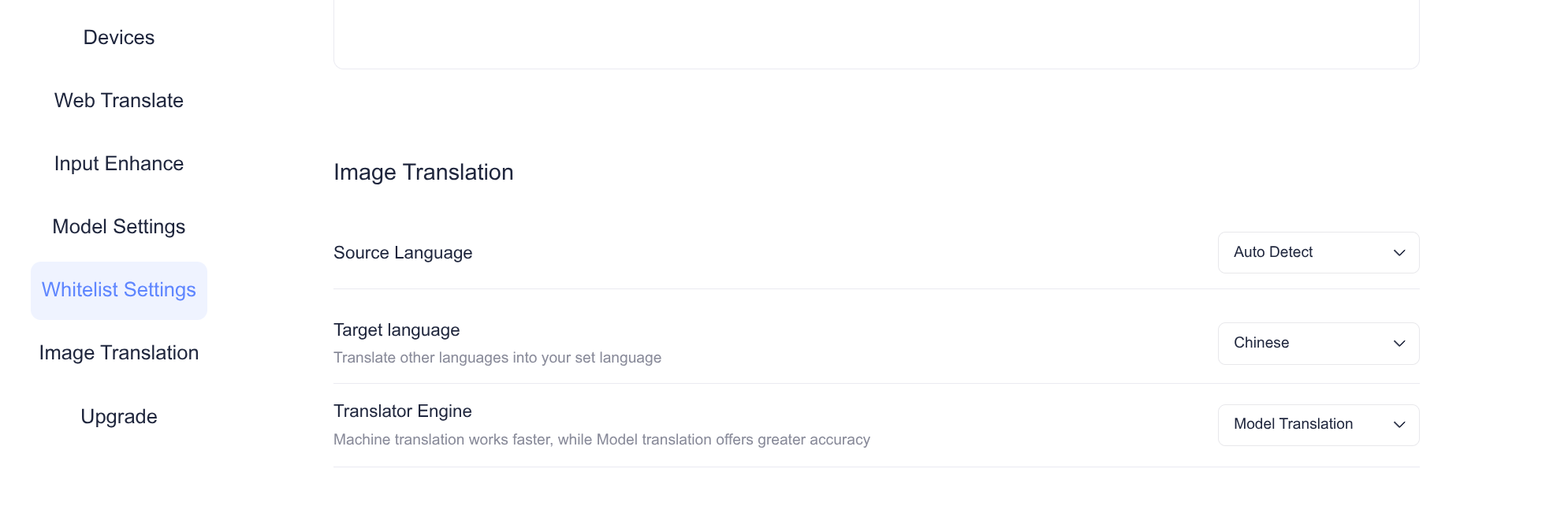
In the AI Plugin Assistant, image translation is supported. You can select your preferred languages in the AI Pod configuration options.
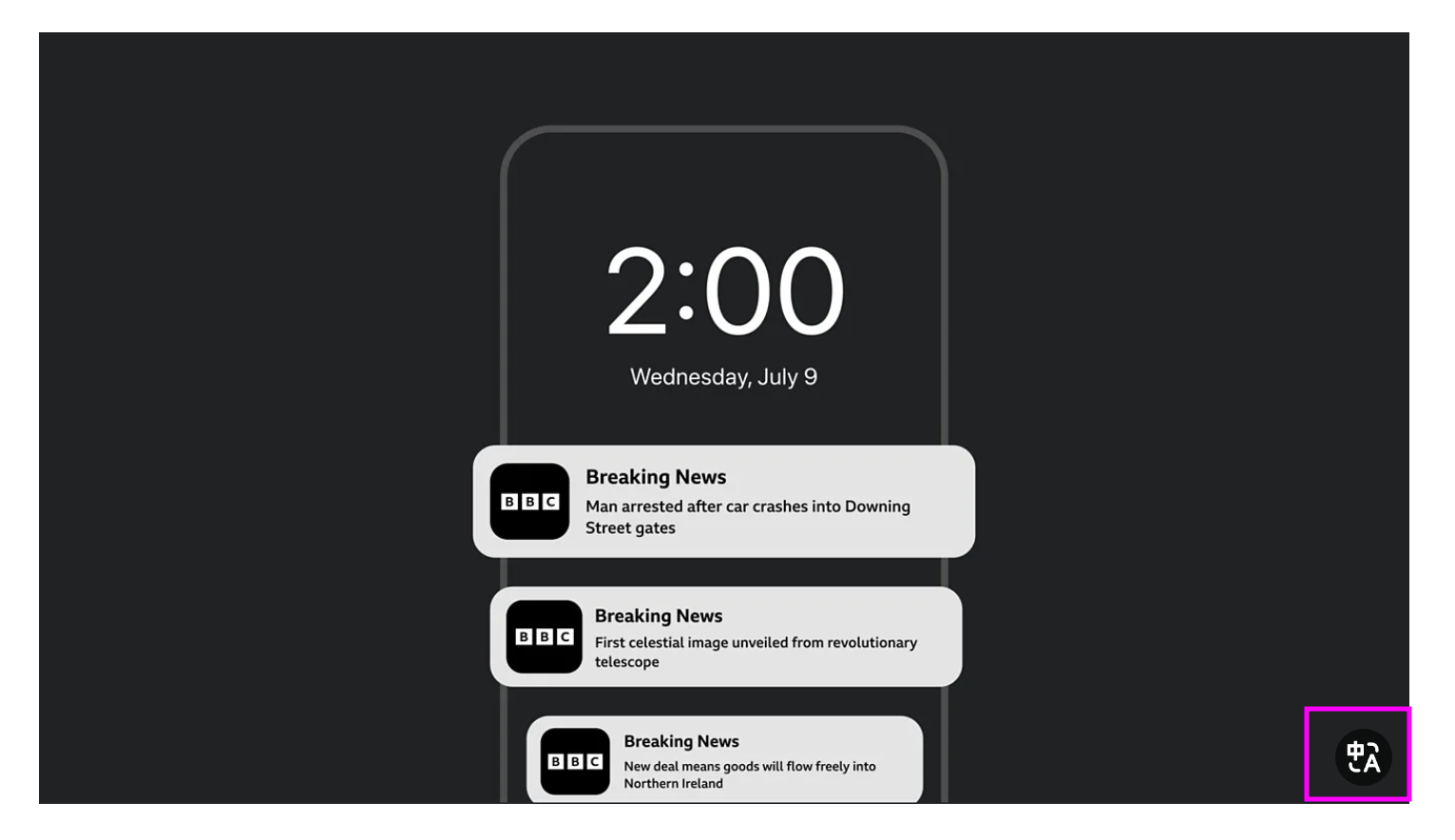
After configuration, when browsing a website, place your mouse over an image. A translation icon will appear in the bottom-right corner of the image. Clicking this icon will initiate translation of the current image.
After translation is complete, the result will be overlaid directly on the original image. You can also click the restore icon in the bottom-right corner to revert to the original format.