Network Configuration
The AI Pod supports both Wi-Fi and wired connections. Wired connections support 2.5G and 10G network interfaces.
Configure Wi-Fi via HDMI + 鼠标键盘
After connecting the display to the AI Pod, click the Wi-Fi icon in the top-right corner of the screen to connect.
Configure Wi-Fi via LCMD AI POD
Warning
AI Pods already in existence will not be detected. If you wish to re-add one, you must first remove it from the AI Pod's management list.
Open the configuration interface of
AIPOD, and click添加算力舱.Ensure your phone has Bluetooth enabled and has granted
懒猫微服client permission to access nearby Bluetooth devices.Search for devices. In the resulting list, devices with an IP address were found via Ethernet cable; those without are found via Bluetooth.
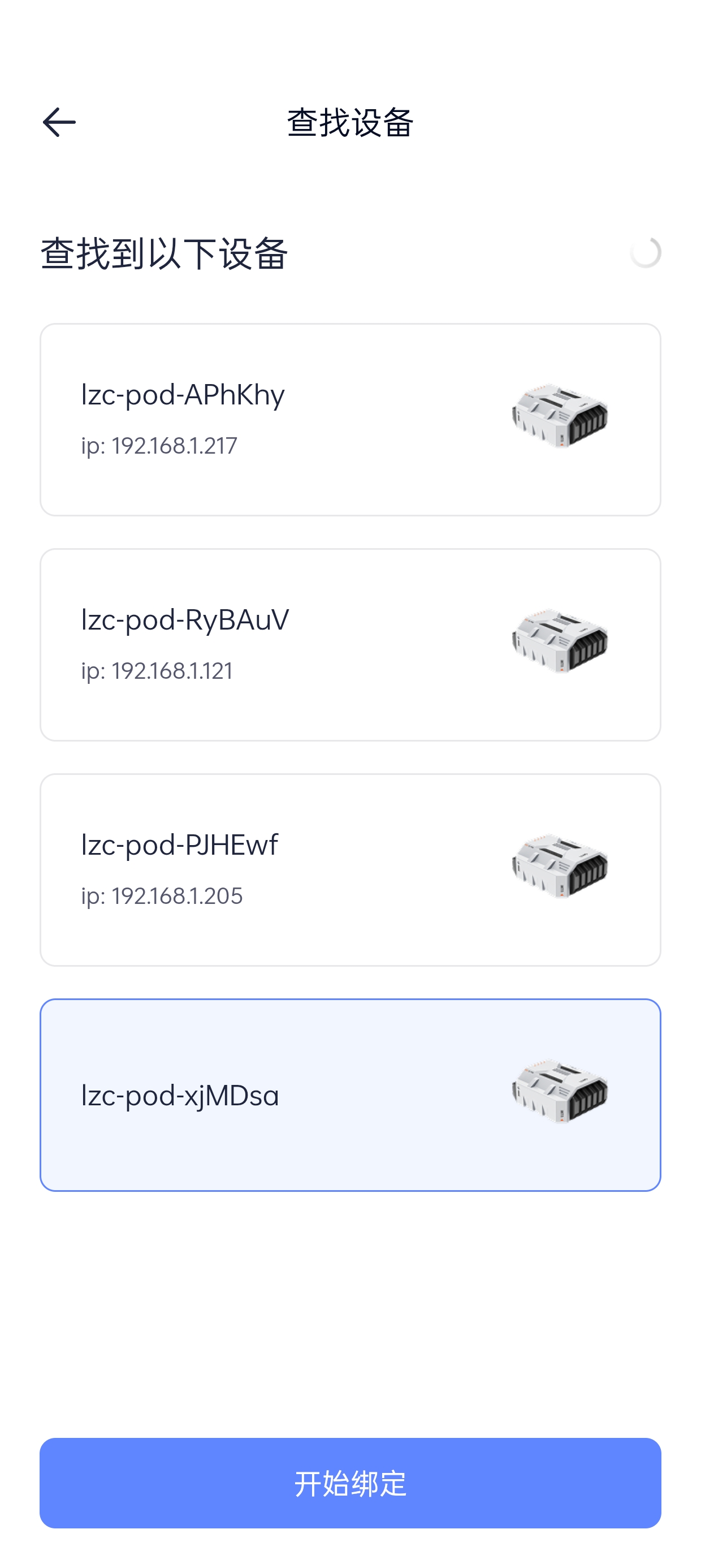
Select the device you wish to bind and click "Start Binding".
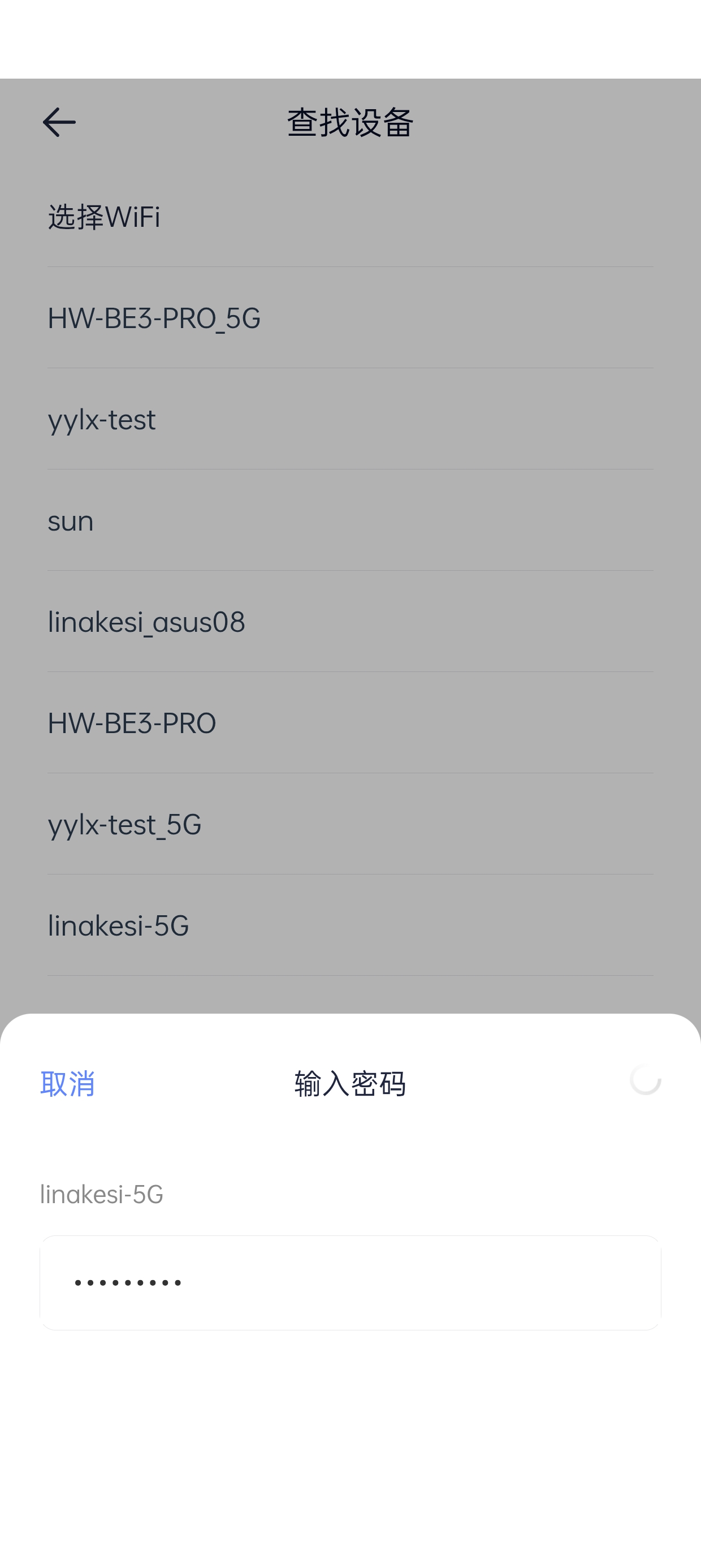
A Wi-Fi selection list will appear. You can choose your Wi-Fi network and enter the password to connect.