Resource Usage
View AI Pod Resource Usage in LCMD
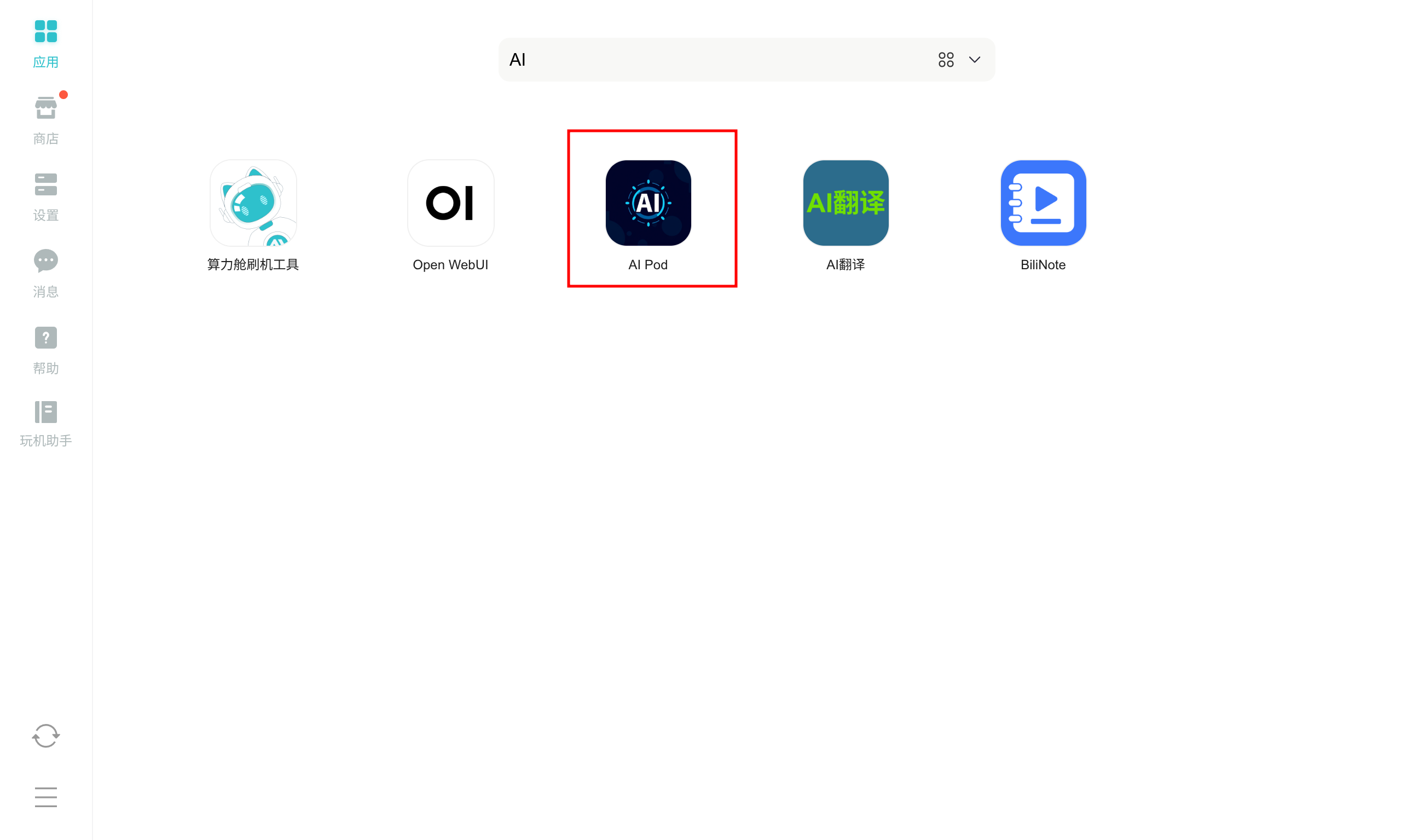
- Open the AIPOD application
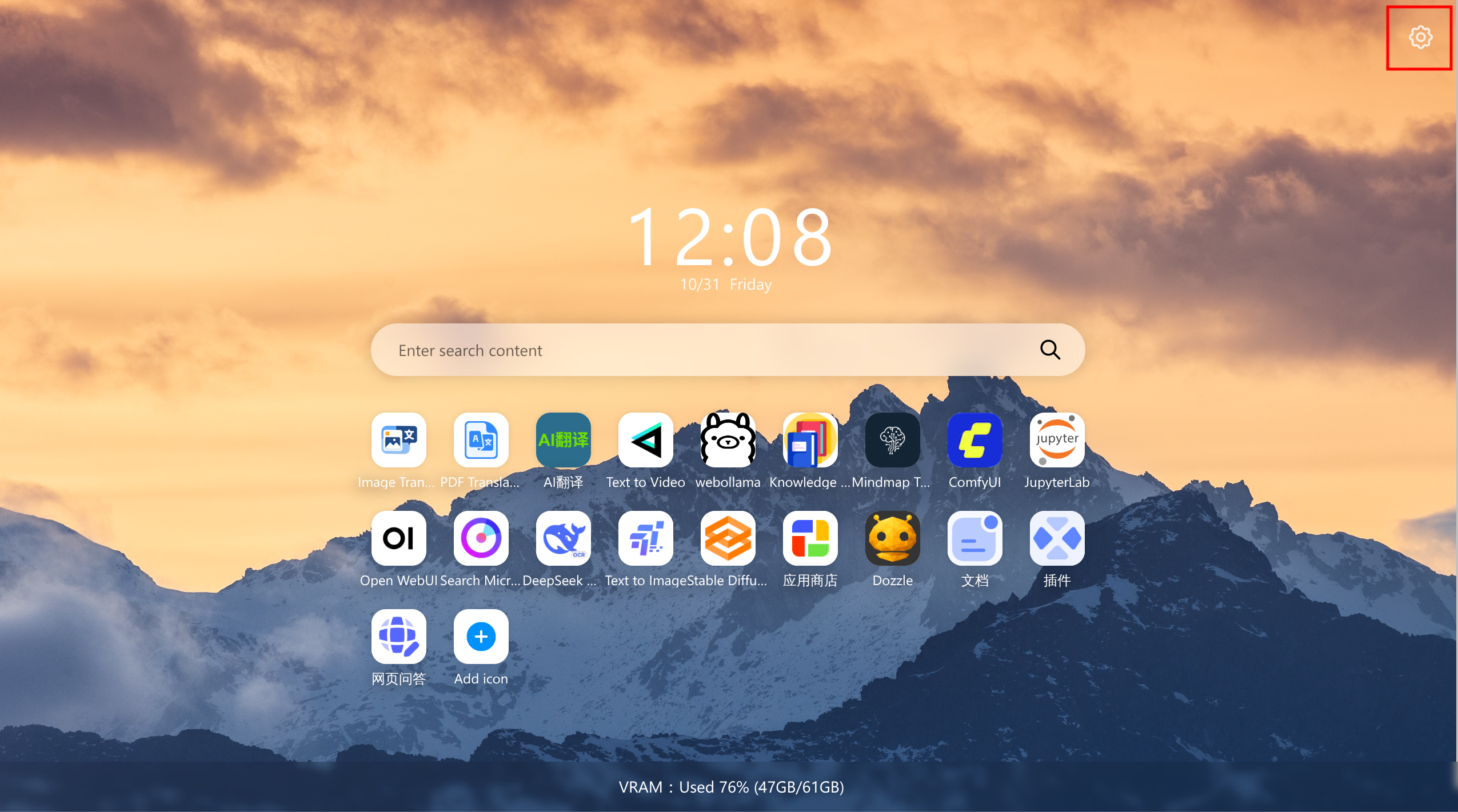
- Click the settings button in the top-right corner.
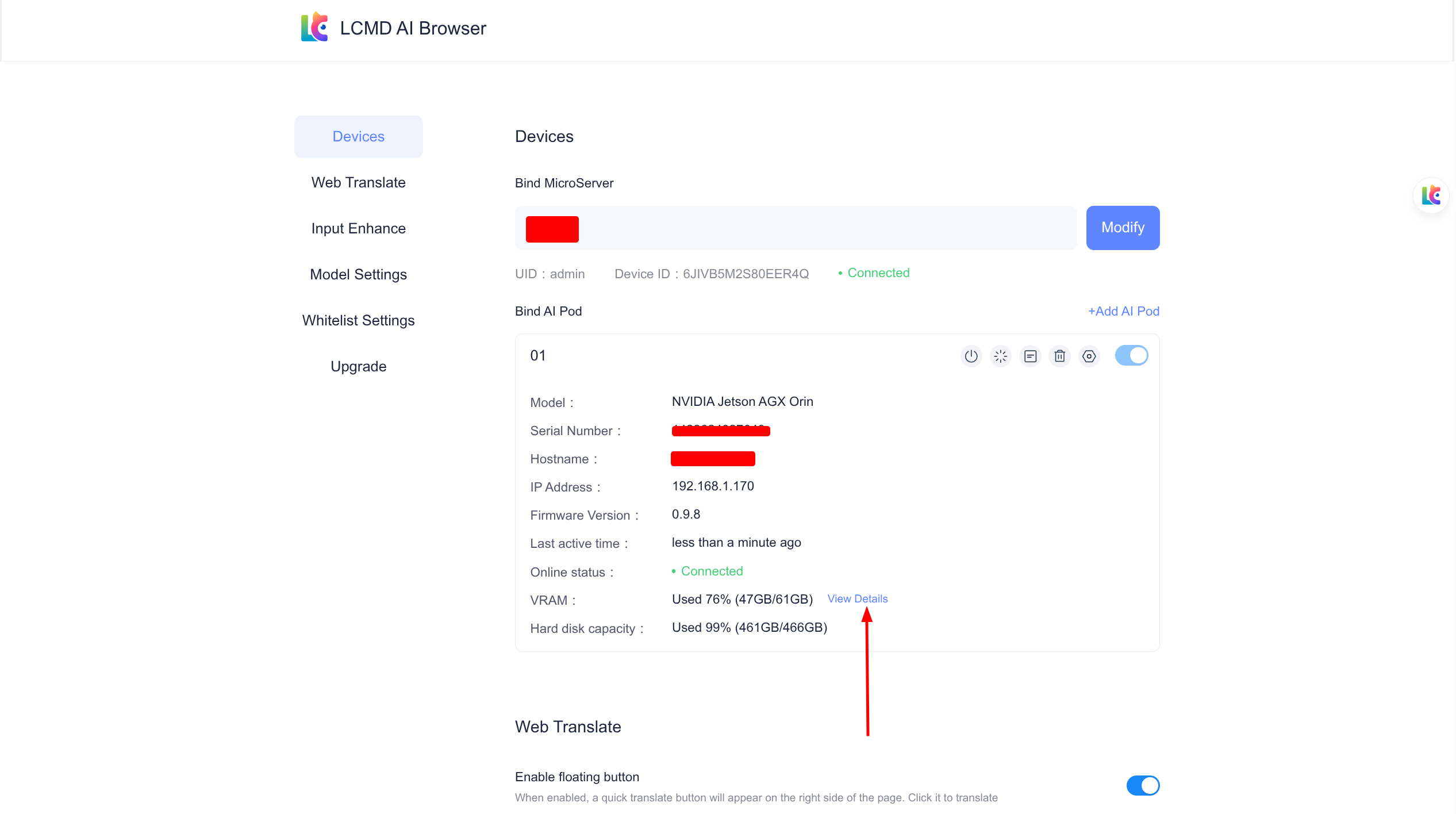
- Click "Details" in the AI Pod Management list.
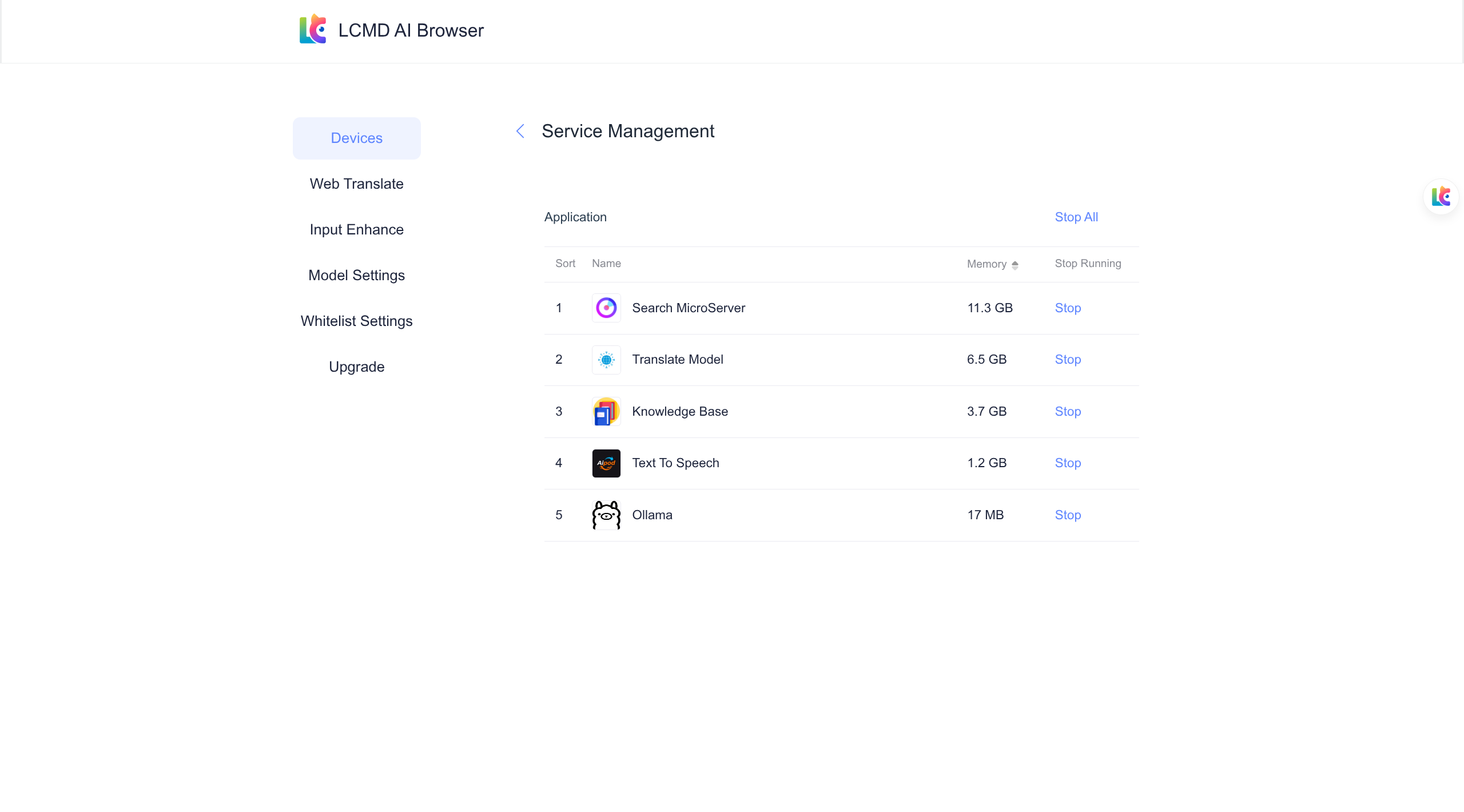
- A new page will open, displaying the memory usage of each service in your AI Pod. (Note: Only AI application services are shown here. Manually deployed services will not be displayed.)
View AI Pod Resource Usage via jtop
- Open
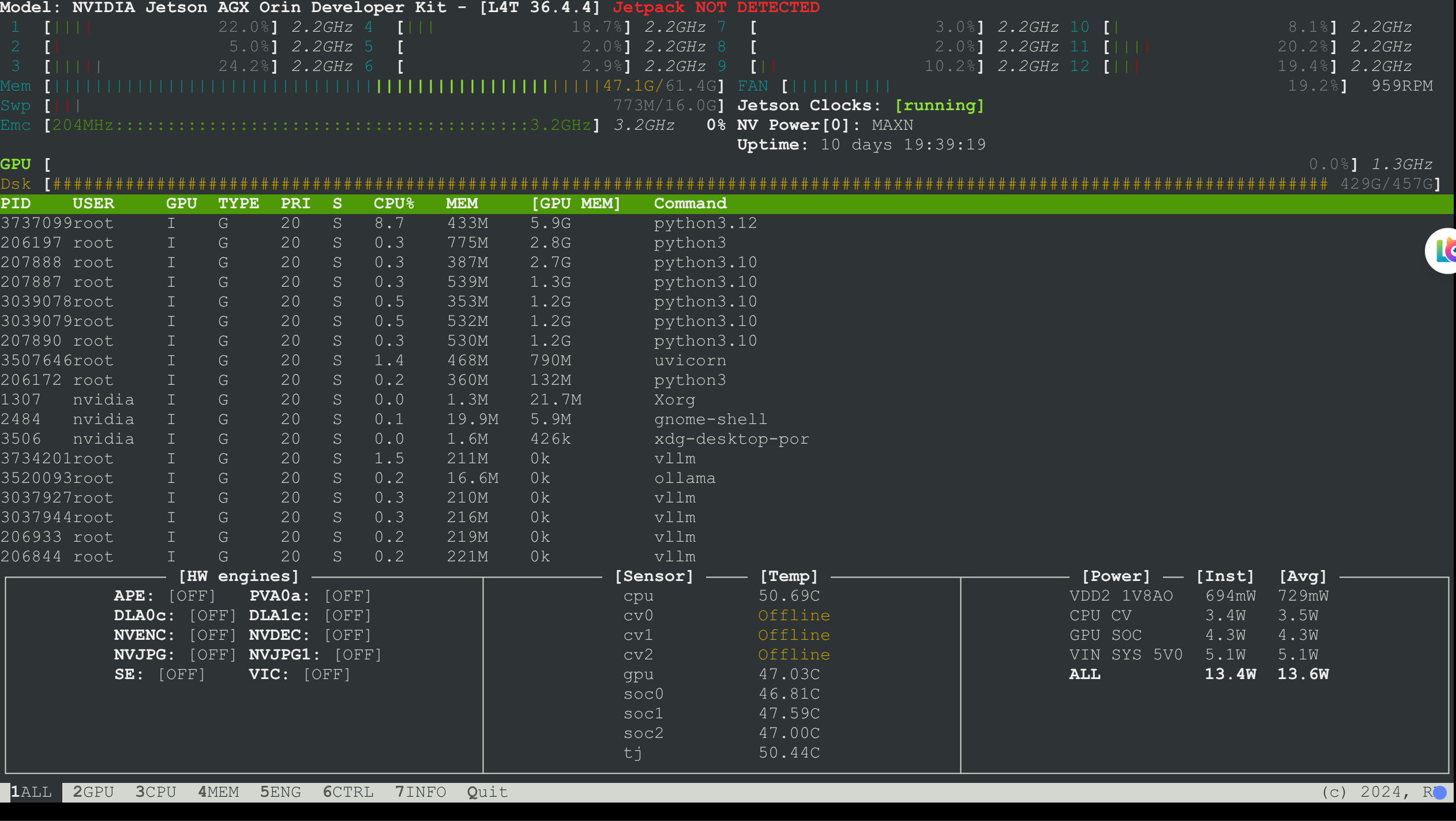
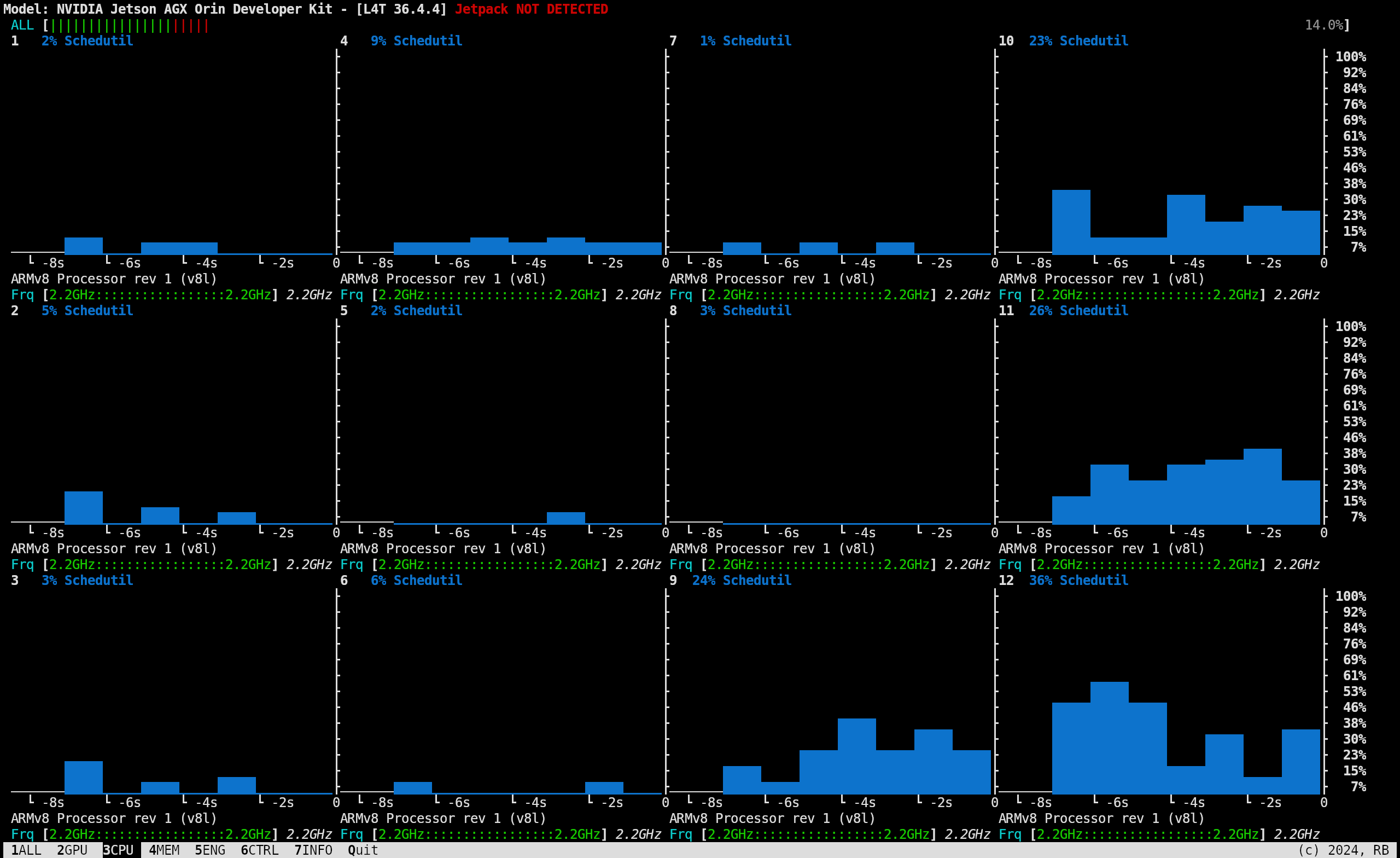
The bottom navigation bar can be clicked or accessed via 1, 2, 3, 4, 5, 6, 7 to switch between views.
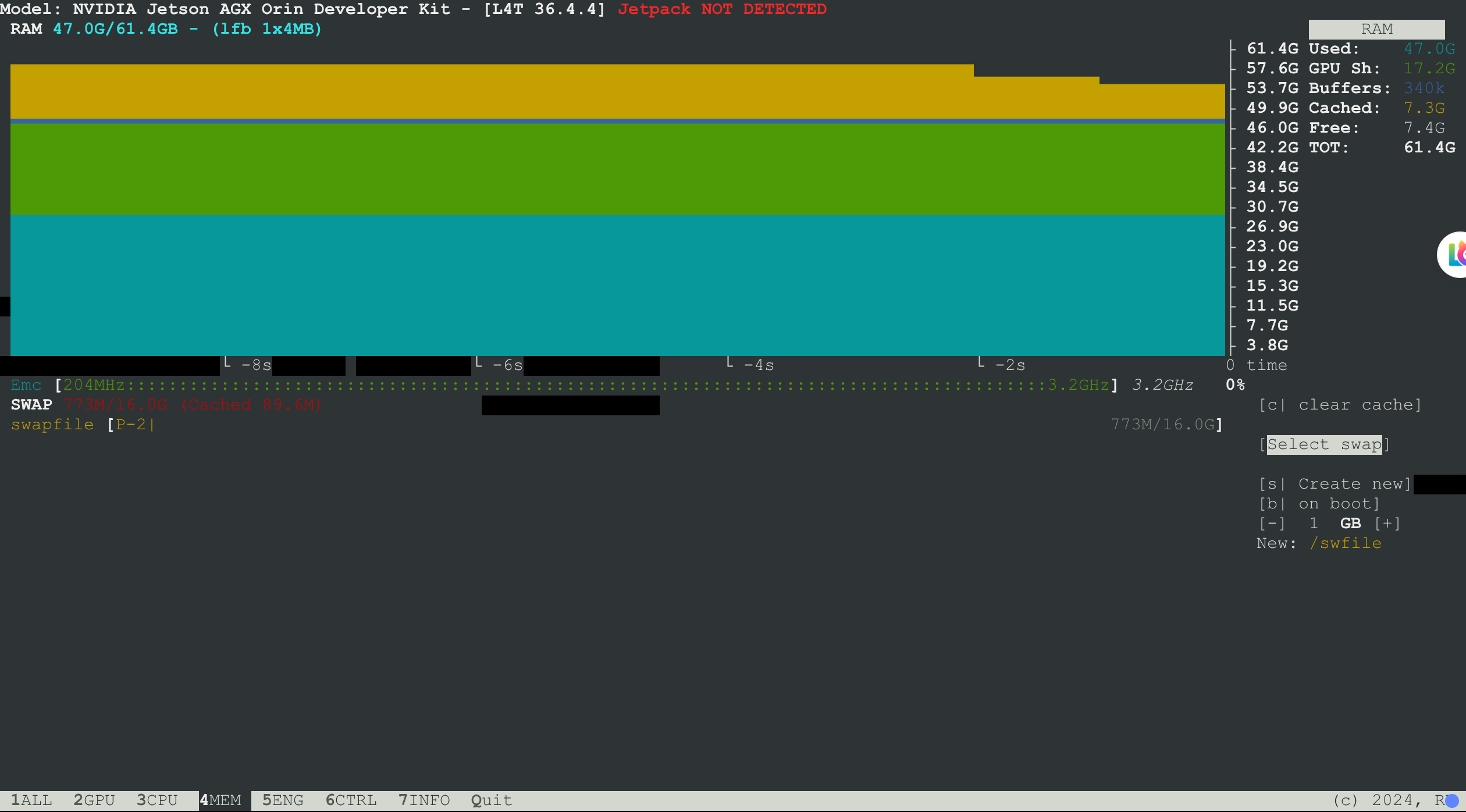
- SSH into the AI Pod and execute the
jtopcommand to view
Why is nvidia-smi not used in the AI Pod?
It is not possible to use nvidia-smi on a Jetson. This program/utility requires a PCI bus. Jetsons have an integrated GPU (iGPU) which is wired directly to the memory controller. Only a discrete GPU (dGPU) on a PCI slot can use that utility.
Cannot use nvidia-smi on Jetson. The tool requires a PCI bus. Jetson has an integrated GPU (iGPU) directly connected to the memory controller. Only a discrete GPU (dGPU) on a PCI slot can use this utility.
An interesting proposal for NVIDIA: Create a surrogate nvidia-smi program that appears identical to the original nvidia-smi when running GPU queries, but instead communicates with the iGPU. Probably not practical, but if it worked, it would greatly enhance the GPU's flexibility and interchangeability with other software.
EDIT (August, 2024): The above is still true, except that Orin supports L4T R36.x, and a partial surrogate nvidia-smi is available for this. This is a limited-functionality nvidia-smi that may suffice in some cases, but the iGPU on Orin with R36.x still has no PCI bus functionality.
Edit (August 2024): The above still holds true, except that the Orin can use L4T R36.x, and a partial substitute nvidia-smi is available for this. This is a limited-functionality nvidia-smi that may be sufficient in some cases, but the iGPU on Orin with R36.x still lacks PCI bus functionality.