Installation Method
Store Installation
Search for "Knowledge Base" in the store to search for installation
After installation, on the homepage of your AI POD application or AI browser, you will see a Knowledge icon. 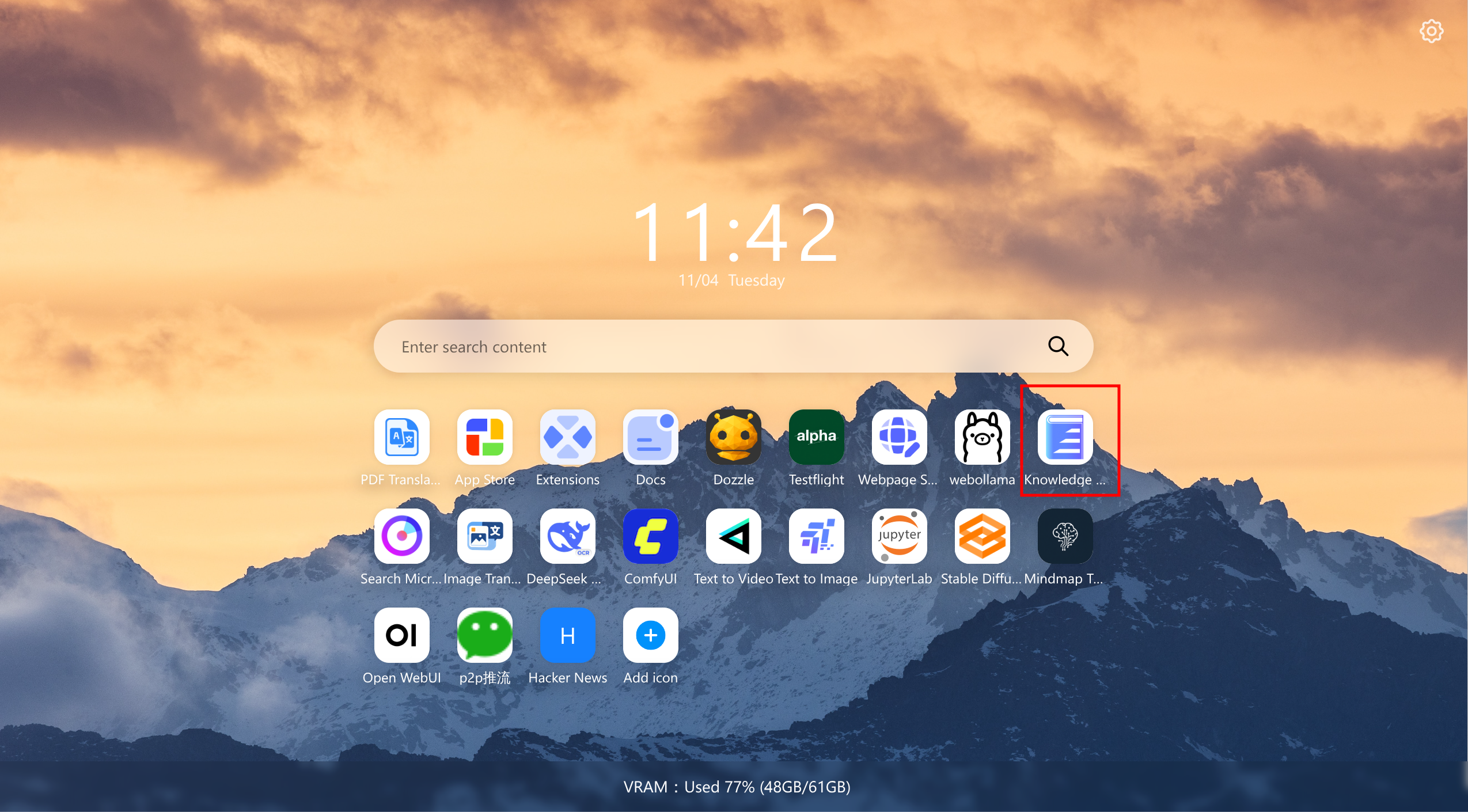
After clicking Open, the system will check whether the relevant services in the AI Pod are running. You may see the following startup progress page. Please wait a moment (model downloading and startup are required). 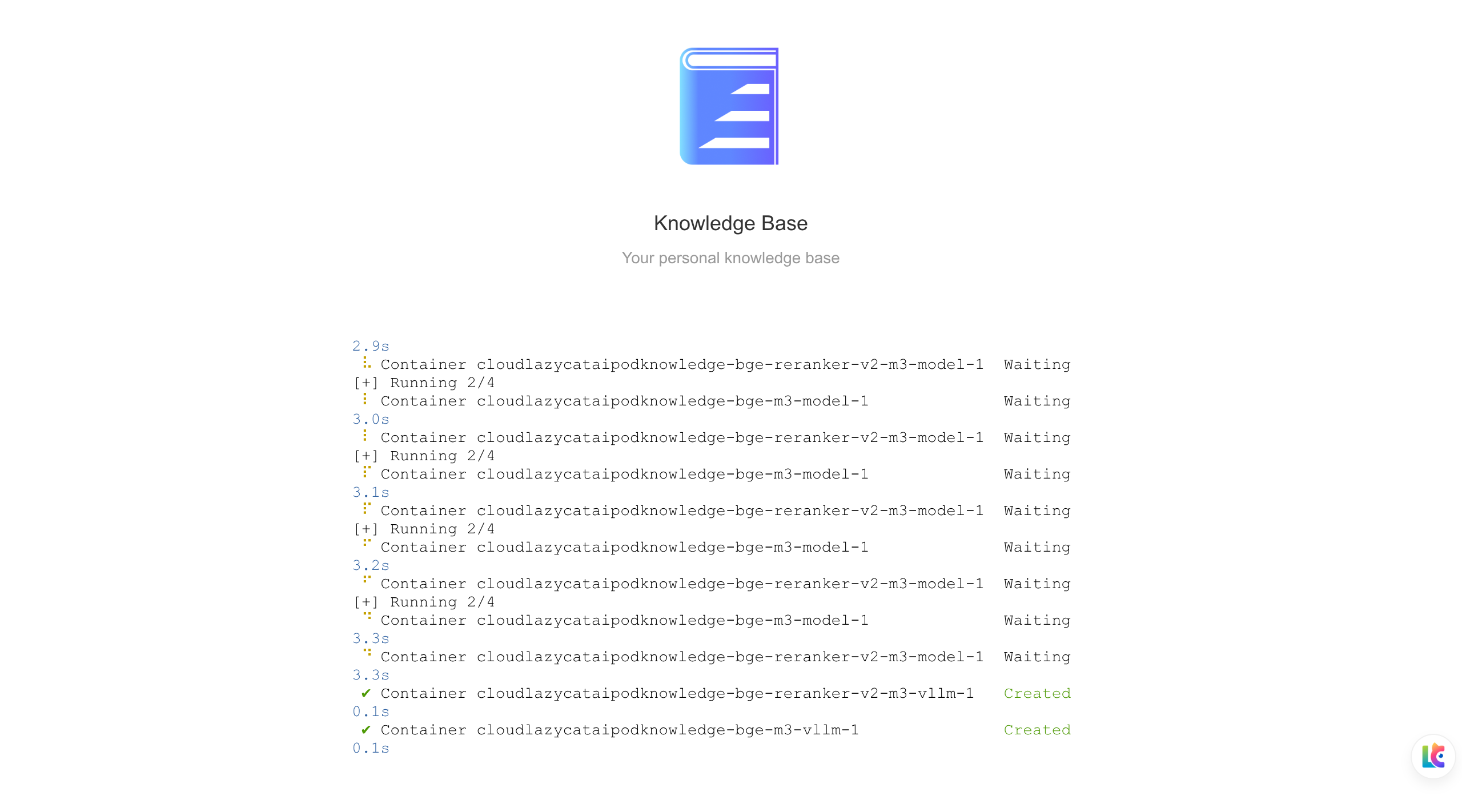
If you need to directly invoke knowledge base capabilities within Codex, Claude Code, and Cherry Studio, you can refer to Knowledge Base MCP.